 Cashom
A family spending budget without Excel
Set category budgets, use monthly exceptions and review spending warnings with Cashom for Windows, without spreadsheet formulas.
Sairasoft · Cashom usage guide
Turn expense records into a spending plan
A record tells you what you spent; a budget compares it with a limit you choose. Review previous expenses and decide which categories need a limit. Cashom budgets are optional, so you can track some categories without setting a budget.
Set a repeating monthly limit
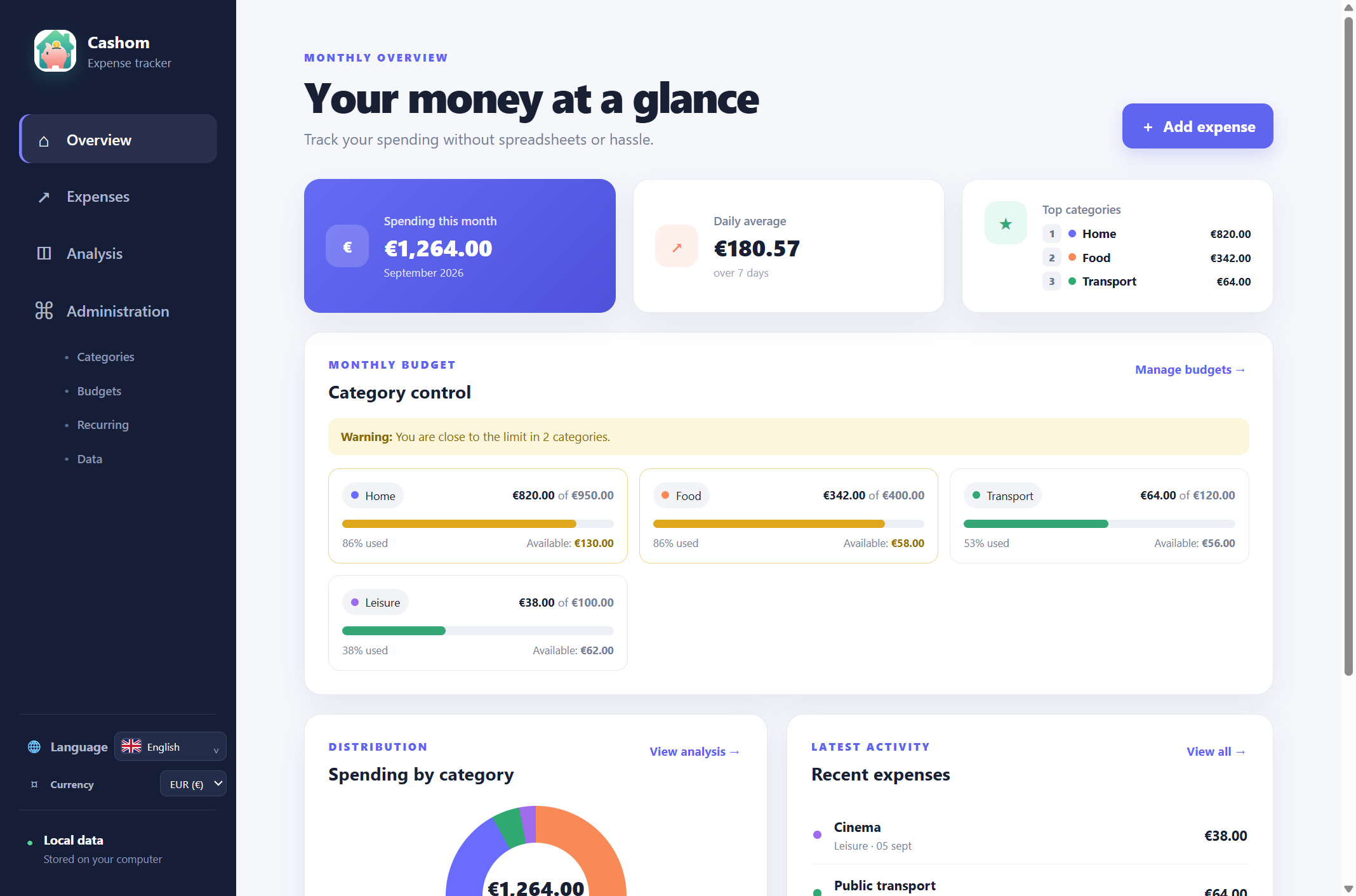
In Administration → Budgets, choose a category and amount. Leave the one-month option off to apply the limit every month. A €400 Food budget, for example, lets you review monthly spending without entering the same limit again.
Allow for exceptional months
Enable the one-month budget and select a month when you need a different limit. It replaces the general budget for that category and month; the two are not added together. A planned renovation need not change your limit for the rest of the year.
Understand the warnings
With a €400 limit, the warning starts at €320 (80%). Reaching or exceeding €400 changes the alert status. These are visual notices inside the application, not controls that block purchases or bank transactions.
What family budgeting means here
You can keep household expenses in one file, but Cashom does not offer family profiles, shared accounts or collaborative editing. It does not automatically calculate savings capacity from income. It tracks expenses and category limits without Excel formulas.